
Silk tutorials
Silk Auto Gain, Mix and Bypass: compare tone and final level
Compare Silk settings at useful listening levels, distinguish Mix from Bypass and verify the final output separately.
Enable Auto Gain, let the same passage play, and use Silk’s full Bypass for the raw-versus-processed decision. Mix 0% removes the tone blend but Input, Auto Gain and Output can still affect its level. Full Bypass instead uses latency-aligned raw audio without those processed-path trims.
By Spectraforge Audio3 min read
Published
Guide review: Captum Records and AS Mastering. AI-assisted writing and source checks. How these guides are made.
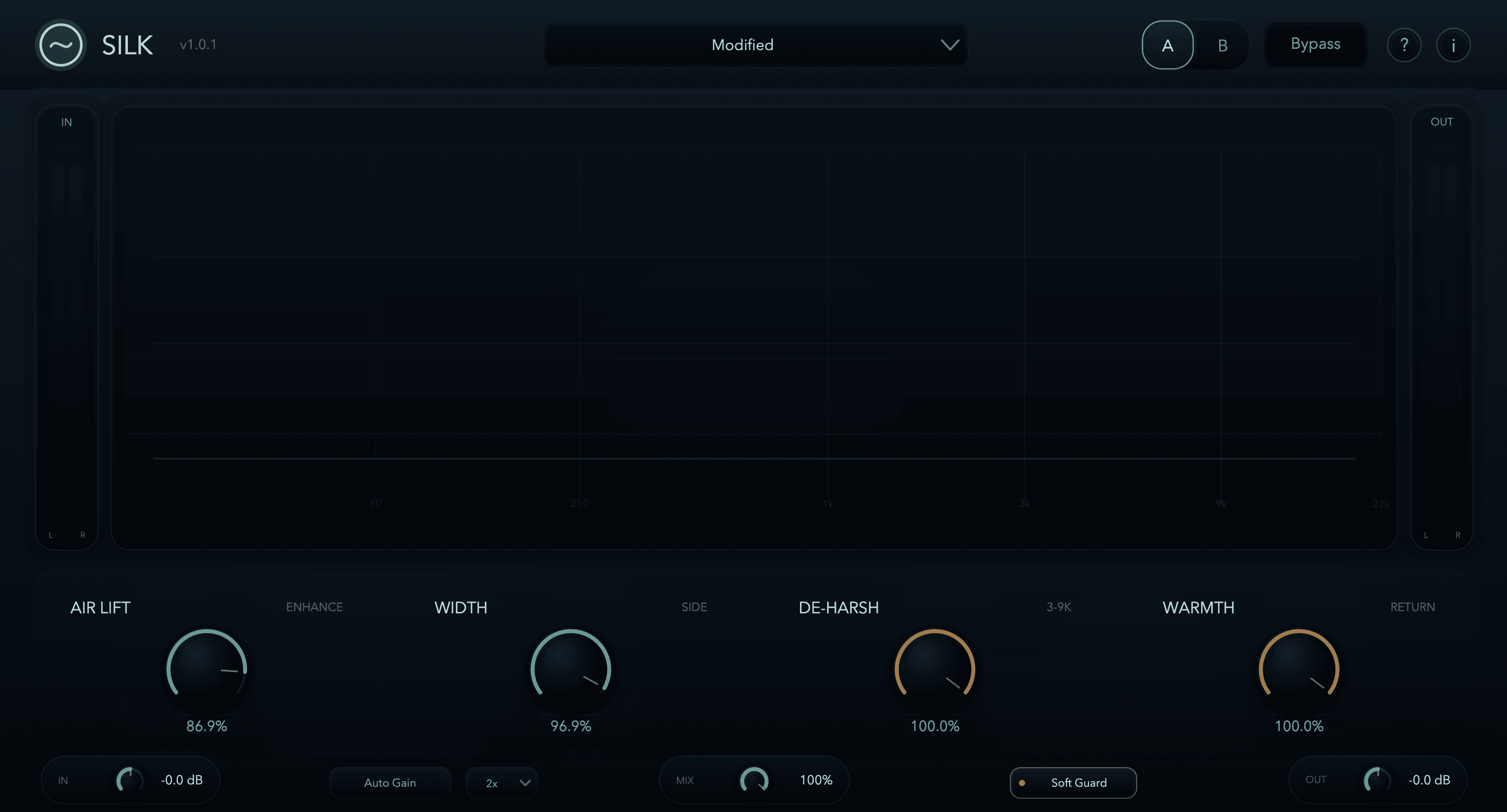
Use full Bypass to compare the raw path
Define the intended improvement first: a clearer breath, more comfortable cymbal texture or a better relation between the centre and sides. If active processing wins only by sounding louder, the comparison has not answered that question. The screenshot is an older 1.0.1 interface; archive listening files do not document the 1.1 engine’s build or settings.
Allow gain matching to settle, then listen for the remaining difference
Auto Gain uses perceptual K-weighted measurement to help match level. It is assistance, not identical perceived loudness at every instant. Play the same vocal phrase or chorus long enough for the comparison to settle; avoid alternating unrelated quiet and loud sections while changing several controls.
Listen separately to vowel body and consonants. A brighter consonant can feel more forward even at similar measured level. If the vocal loses body or the cymbals become tiring, lower the enhancement and compare again. Keep a fixed monitor level so the reference remains meaningful.
Worked check: Output makes the bypassed version louder
Suppose you choose a tonal setting, then lower Silk Output by 3 dB to suit the bus. Full Bypass does not use that trim, so the bypassed path can sound louder. That difference is expected signal flow, not a reason to increase Air Lift until the active version wins.
For a closer tonal comparison, capture the active and bypassed passages separately, align them and use clean playback gain to match their listening levels. Do not send those reference files through Silk or the master chain again. This proposed check distinguishes the tonal result from a final Output decision.
Input is before processing and can alter drive; with Auto Gain active, the output match makes that easier to audition. Output is after Mix and Auto Gain and serves the final level. Treat those as two separate decisions.
Finish with the complete chain and final meter
Auto Gain is not a limiter. Check the meter after Silk and after later devices, then listen to the exported file. A changed bright transient can make a downstream limiter respond differently even when average level is close.
Play a full section after the short comparisons, then revisit it after a break. Keep the finish if the chosen improvement remains comfortable in the arrangement. If raw audio fits better at matched level, save that result. For version changes, follow the manual’s version guidance and project-backup instructions rather than treating archived examples as update evidence.
Technical references
Listening exercises are proposed practice routines. Worked examples illustrate the stated setup; they are not reports of our listening tests. Editorial process and corrections.
Silk control reference · Raw and processed listening examples