
Silk tutorials
Silk Quality and Soft Guard: choose the mode and check the final peaks
Use Off, 2x and 4x Quality deliberately, understand Soft Guard's place in the signal flow and verify headroom after export.
Silk offers Off, 2x and 4x Quality, with 2x as the default. Choose a mode that plays reliably, compare it on the source and select the final mode before rendering so the host can update latency compensation. A larger multiplier is not a score for the finished song.
By Spectraforge Audio3 min read
Published
Guide review: Captum Records and AS Mastering. AI-assisted writing and source checks. How these guides are made.
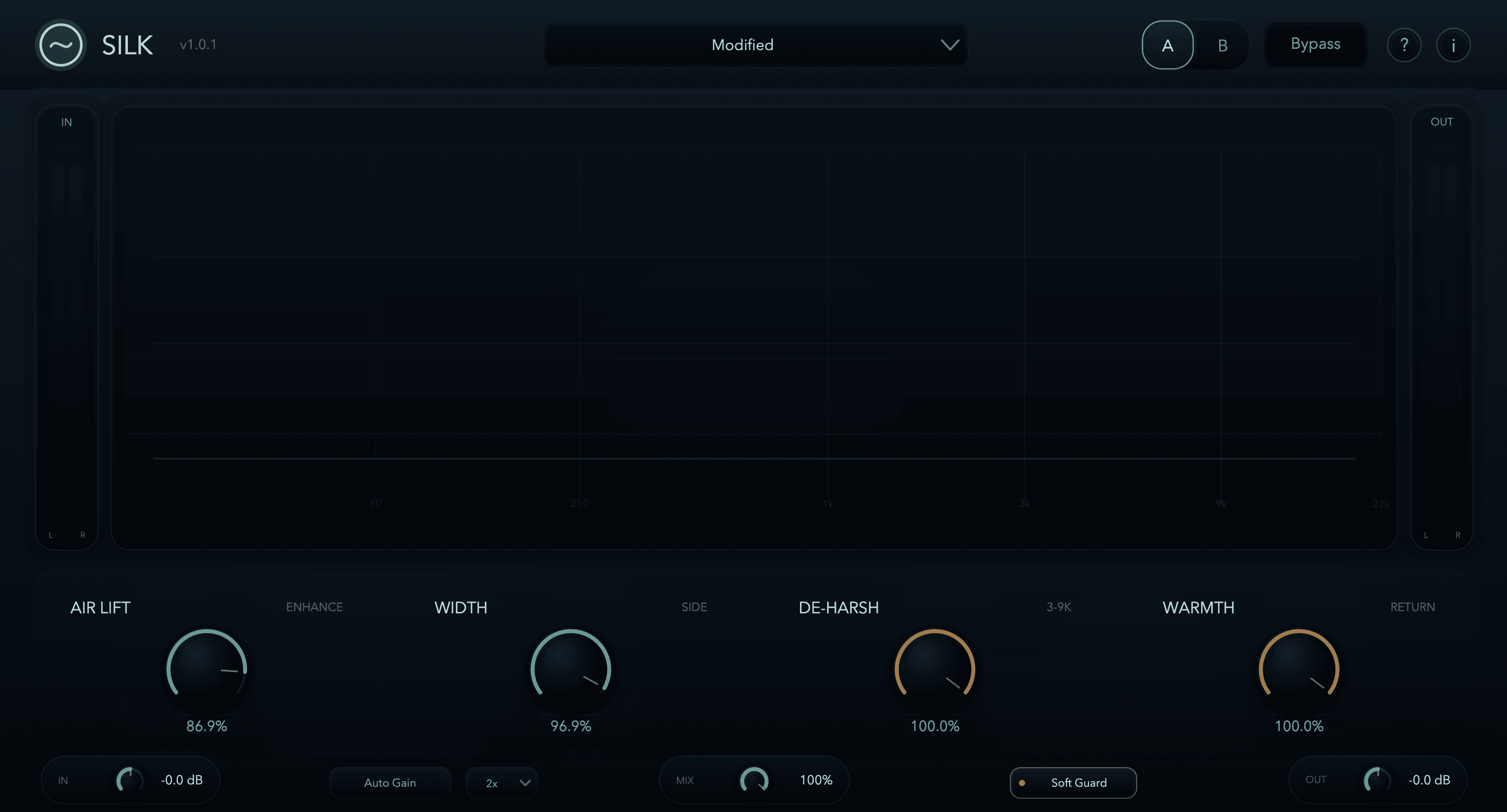
Choose Quality before the comparison and final render
In Silk 1.1.0, Air Lift is calibrated for more consistent voicing across modes; outputs remain different, including possible Warmth phase differences. Off disables global oversampling while the 1.1 Warmth return retains its own internal protection. Earlier Air voicing varies more across modes.
Suggested mode check: one attack and one held sound
Save the tone controls and loop a bright drum attack followed by a sustained vocal or synth. Compare modes within one installed engine, matching listening level. Listen to the attack separately from the held texture and then repeat in the arrangement. Stop/restart playback if the host needs that to settle compensation.
If a higher mode makes a useful difference but cannot run reliably in the whole session, reserve it for an appropriate render or print the part. If the modes are equally useful in context, keep the lower cost option. Render a short section, re-import it and verify its timing and sound before exporting the full track.
Soft Guard is before the final level stages
Soft Guard applies an internal soft ceiling in the mid/side path before Mix, Auto Gain and Output. It is not a final limiter; transient behaviour and later gain can still produce output above 0 dBFS. Leave it on for normal use as the manual recommends, then inspect final headroom separately.
Worked signal-flow example: increasing Output by 3 dB raises the processed result even though Soft Guard remains enabled. Undo that auditioned gain move after checking the downstream meter. The guard cannot reach forward and remove gain applied after it. Use a suitable final peak-control stage where the delivery requires one and measure the actual export.
Protect the sound of projects made on an earlier engine
Before replacing an earlier build, save a project copy and render important processed tracks. Silk 1.1 changes Air Lift, De-Harsh and Warmth, so unchanged settings can sound different. There is no legacy-engine switch. Keep the previous installer and a private backup of its working signed licence; a newly generated licence may not unlock an older build.
Check Information and the actual offered download before following version-specific advice. The retained screenshot is the 1.0.1 interface. Listening files linked here are archive comparisons whose processing build/settings were not recorded, so they cannot establish what a 1.1 mode change sounds like.
Record which file and mode you actually checked
Save the session with the final Quality setting. Analyse the resulting file after all later processing, gain and conversion, recording its filename and measured peaks. A reading made with the earlier quality mode belongs to that earlier waveform.
Listen to the opening, densest chorus and last decay. If the mode comparison introduced a timing problem or a new tonal tradeoff, resolve that before delivery. Quality selects Silk’s processing behaviour; Soft Guard manages an internal path; final file measurement confirms the separate delivery requirement.
Technical references
Listening exercises are proposed practice routines. Worked examples illustrate the stated setup; they are not reports of our listening tests. Editorial process and corrections.
Silk control reference · Raw and processed listening examples