
Plugin workflows
How to level-match plugins before choosing a sound
Compare EQ, compression and enhancement at similar perceived loudness so the useful change survives bypass.
To compare a plugin fairly, play the same passage in both states and adjust gain after the processing until neither state has an obvious loudness advantage. Input gain can change compression or distortion, so it is the wrong control for correcting the comparison level.
By Spectraforge Audio3 min read
Published · Updated
Guide review: Captum Records and AS Mastering. AI-assisted writing and source checks. How these guides are made.
Match with gain after the effect
Choose a question first: are the words clearer, does the snare keep its attack, or is the mix less brittle? Include an event that could expose a bad setting, such as a strong esse after a treble lift. Keep your monitoring level fixed.
| What you hear | First move | Check |
|---|---|---|
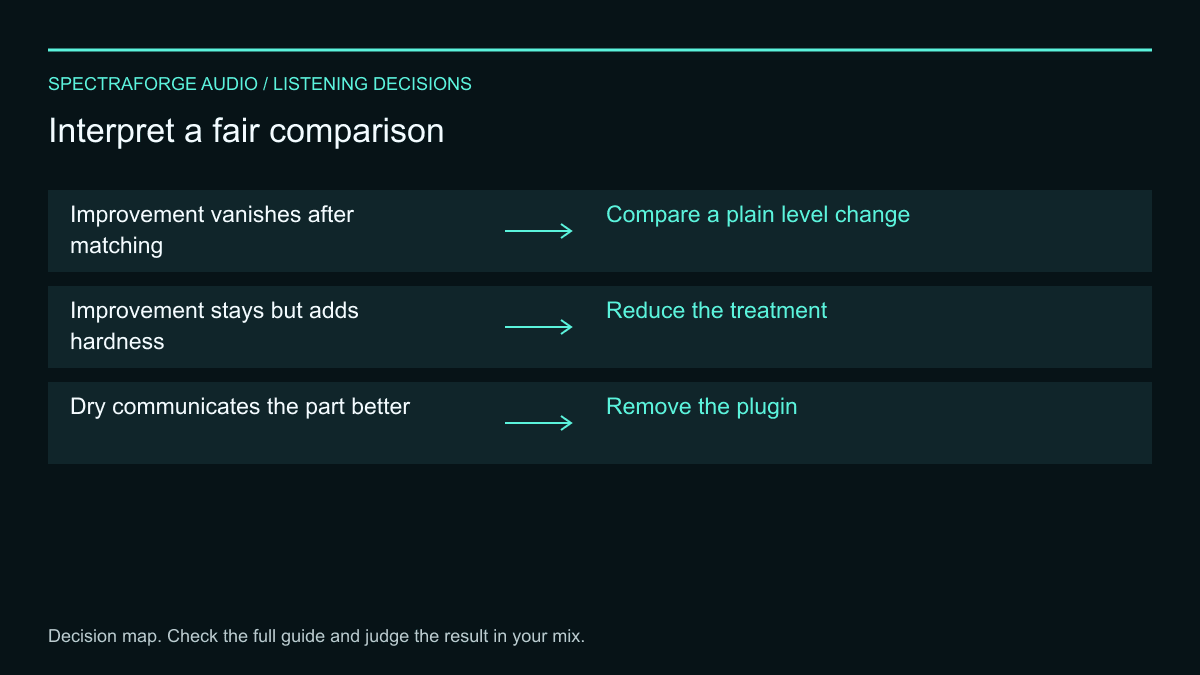
| Improvement vanishes after matching | Compare a plain level change | The plugin may not be the useful move |
| Improvement stays but adds hardness | Reduce the treatment | Recheck difficult events in the full mix |
| Dry communicates the part better | Remove the plugin | Set final fader balance after choosing the sound |
Worked example: use the loudness difference as a starting trim
Suppose the same loop measures -20 LUFS dry and -17 LUFS processed. Start by reducing the processed output by about 3 dB, reset the meter, and measure the same interval again. These are illustrative readings, not measurements of a particular plugin or a loudness target.
A BS.1770 loudness meter estimates perceived loudness; it cannot predict every listener's response. Matching maximum peaks alone is also insufficient: compression can leave the peak unchanged while increasing sustain. Use the meter to get close, then check whether switching still creates an obvious loudness jump. Do not let a tiny numerical difference distract from the tonal or timing decision.
Run a controlled listening exercise
Imagine a piano loop where a high shelf seems to bring the instrument forward. Keep the EQ move, lower its output until the processed and dry versions feel similarly loud, and switch between them at the start of each repeated phrase. Listen to the hammer edge, the length of the chord, and whether the piano now masks the vocal.
If the forward effect disappears after matching, try a level adjustment without the shelf. If the attacks remain clearer but become hard, reduce the shelf or change its shape. The useful conclusion might be a smaller EQ move, a fader change, or leaving the piano alone. A fair comparison should be allowed to reject the processor.
Remove switching artifacts from the decision
Start playback before the passage so automatic gain compensation and dynamics can settle. Reset measurements for each state and keep their windows identical. Recheck the match after changing drive, threshold, mix, or a substantial EQ move.
If bypass clicks, shifts timing, or cuts a tail, render two versions with the same start point and enough lead-in. Confirm their alignment before switching. A host's device bypass and a plugin's internal bypass need not preserve the same gain or tail behavior; choose the comparison method that keeps the question audible.
Decide what the comparison actually showed
Bring the full mix back and repeat the original question on another section. If the improvement vanishes after matching, audition a plain level change. If it survives but creates hardness or masking, reduce the treatment. If the dry version communicates the part better, remove the plugin.
Once you choose a sound, set its final fader balance for the song. Fair evaluation and final balance are different steps; the purpose is to expose the processor's contribution, not make every track equally loud.
Technical references
- ITU-R BS.1770: Loudness and true-peak measurement
- EBU Tech 3341: Meter windows, gating and loudness units
Listening exercises are proposed practice routines. Worked examples illustrate the stated setup; they are not reports of our listening tests. Editorial process and corrections.