
Silk tutorials
Using Silk Width on a stereo bus without losing the centre
Adjust the existing side image, check mono compatibility and keep the vocal, kick and bass stable while opening a stereo bus.
Start at Width 0%, its neutral setting, and increase only on stereo material that needs the adjustment. Silk Width does not create a stereo performance from a genuinely mono source. Listen to a centred vocal, kick and bass while assessing the backing harmonies, rooms or synths around them.
By Spectraforge Audio2 min read
Published
Guide review: Captum Records and AS Mastering. AI-assisted writing and source checks. How these guides are made.
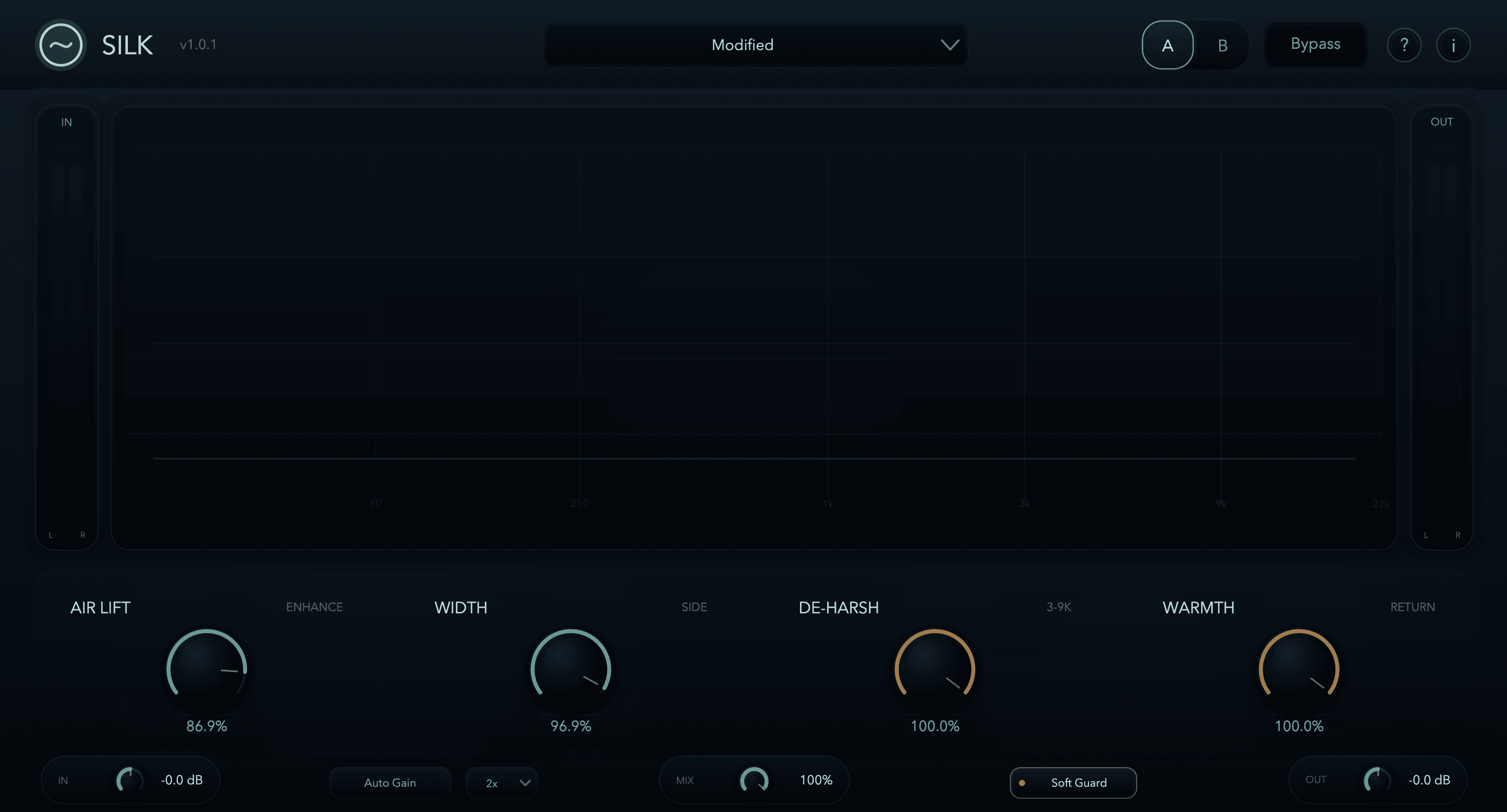
Width opens existing side information
The screenshot shows the older 1.0.1 interface. The linked audio files are archive comparisons with unrecorded builds/settings, not evidence of the Silk 1.1.0 engine. Judge the control on your installed version and your own bus.
Hold the tone setting steady and follow one side detail
Save the Air Lift, De-Harsh and Warmth setting before changing Width. Use Auto Gain and repeat a chorus with clear side content. Width and the side enhancement interact, so holding the other controls steady makes the comparison easier; it does not make all internal processing independent.
Suggested audition: focus on the backing harmony between lead phrases. Increase Width a little, then return to neutral at a similar listening level. If it makes that harmony easier to follow without displacing the lead, compare a restrained setting with a stronger one. If it merely makes the spaces busier, keep less Width.
Use mono to diagnose the source, not to expect wider mono
Compare processed and bypassed audio through the same mono-monitor path, level-matching where needed. Side information cancels in an ideal mono sum. Raising side level is not a way to make a side-only hook survive that sum. If the hook disappears in both versions, investigate the source’s stereo relationship or arrangement.
If only the processed mono balance changes, check Air Lift, the blend and gain matching as well as Width. Restore the saved neutral setting to isolate the change. A correlation display can support the check but cannot tell you whether the important musical part survives. Return to stereo before choosing the intended image.
Check the verse and every processor receiving the wider bus
Play the breakdown and ending as well as the chorus. Listen for side noise, delays or tails that now compete with the next phrase. A useful chorus setting may need less processing elsewhere; automate only after the fixed setting’s effect is understood.
Then listen with the downstream compressor or limiter active and recheck the export’s peaks. Width can change what those devices receive. Soft Guard is before Mix, Auto Gain and Output, so it does not establish a final output ceiling. Keep the setting when the stereo centre stays convincing, the required mono version remains usable and the final file checks out.
Technical references
Listening exercises are proposed practice routines. Worked examples illustrate the stated setup; they are not reports of our listening tests. Editorial process and corrections.
Silk control reference · Raw and processed listening examples